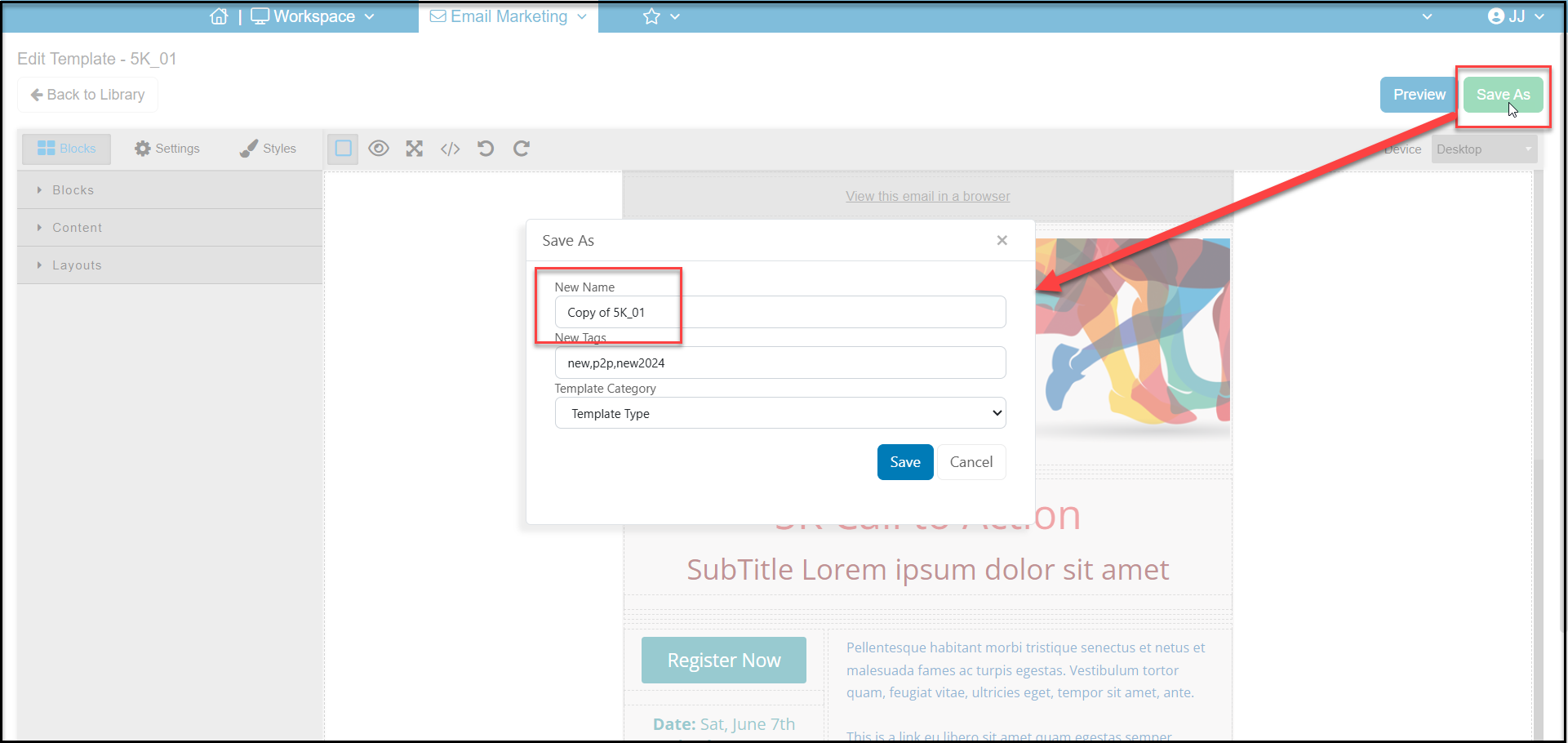
Select a pre-designed template from the template library and click on Edit. The software will open this template in editor mode. From there, you can make any of the necessary changes and click Save As to save your changes and give it a new name. You cannot save changes directly to the original pre-designed template, it must be renamed using Save As.
You can learn more about editing an email template in this article "How do I create and edit an email template?"