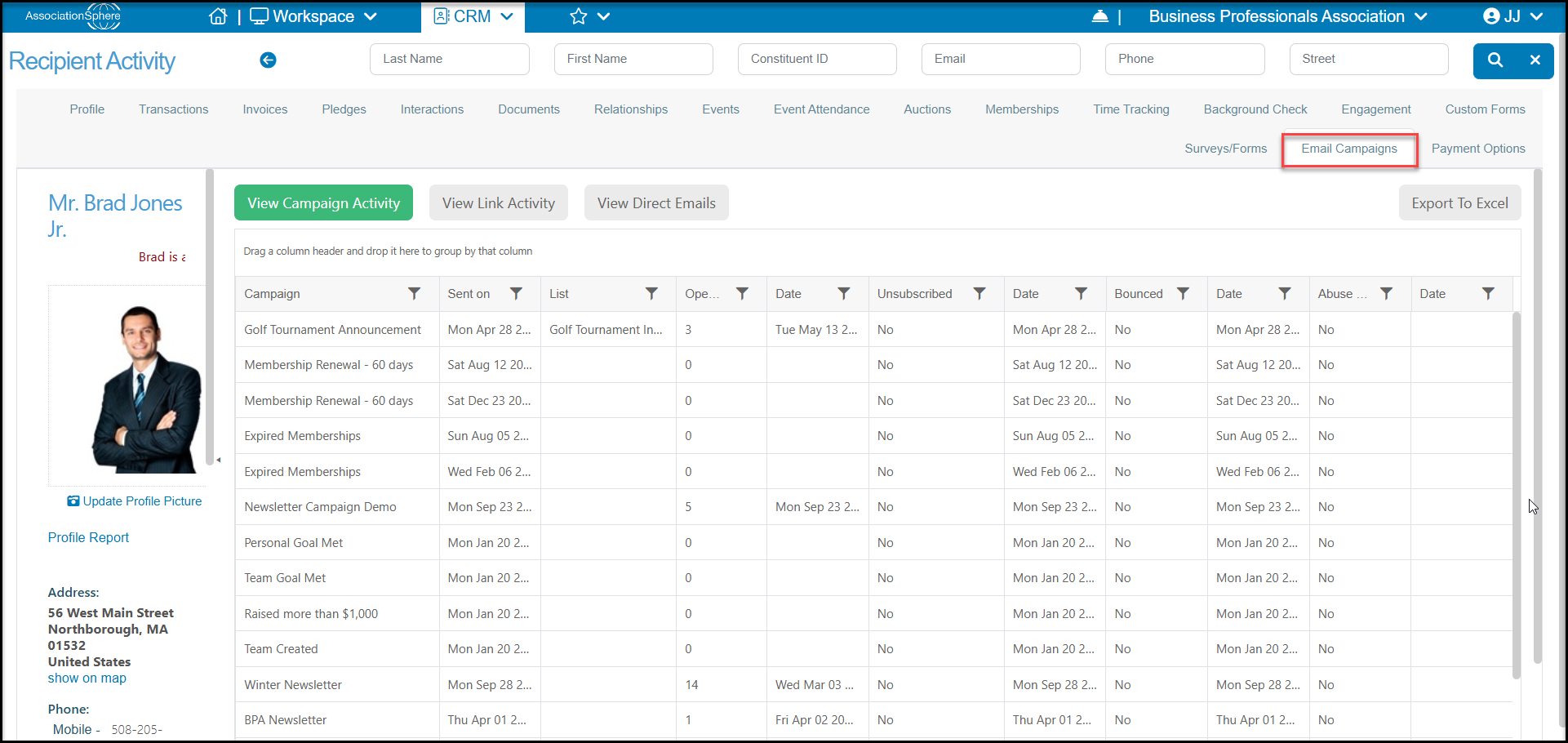
You can view the campaign history for a specific constituents in their record under the Email Campaigns tab. You can see all the campaign activity by clicking on View Campaign Activity and view their link click history by clicking on View Link Activity.
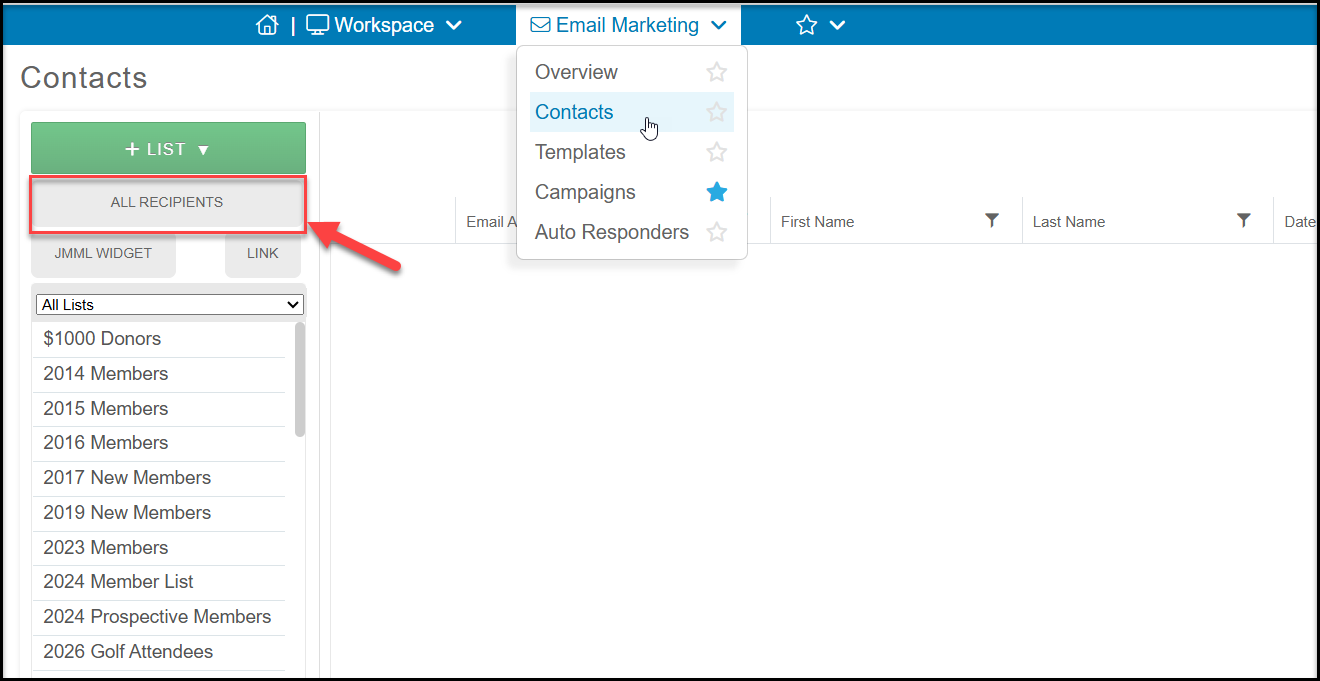
You can also see this information under the Contacts Page in the Email Marketing Module. Click on ALL RECIPIENTS.
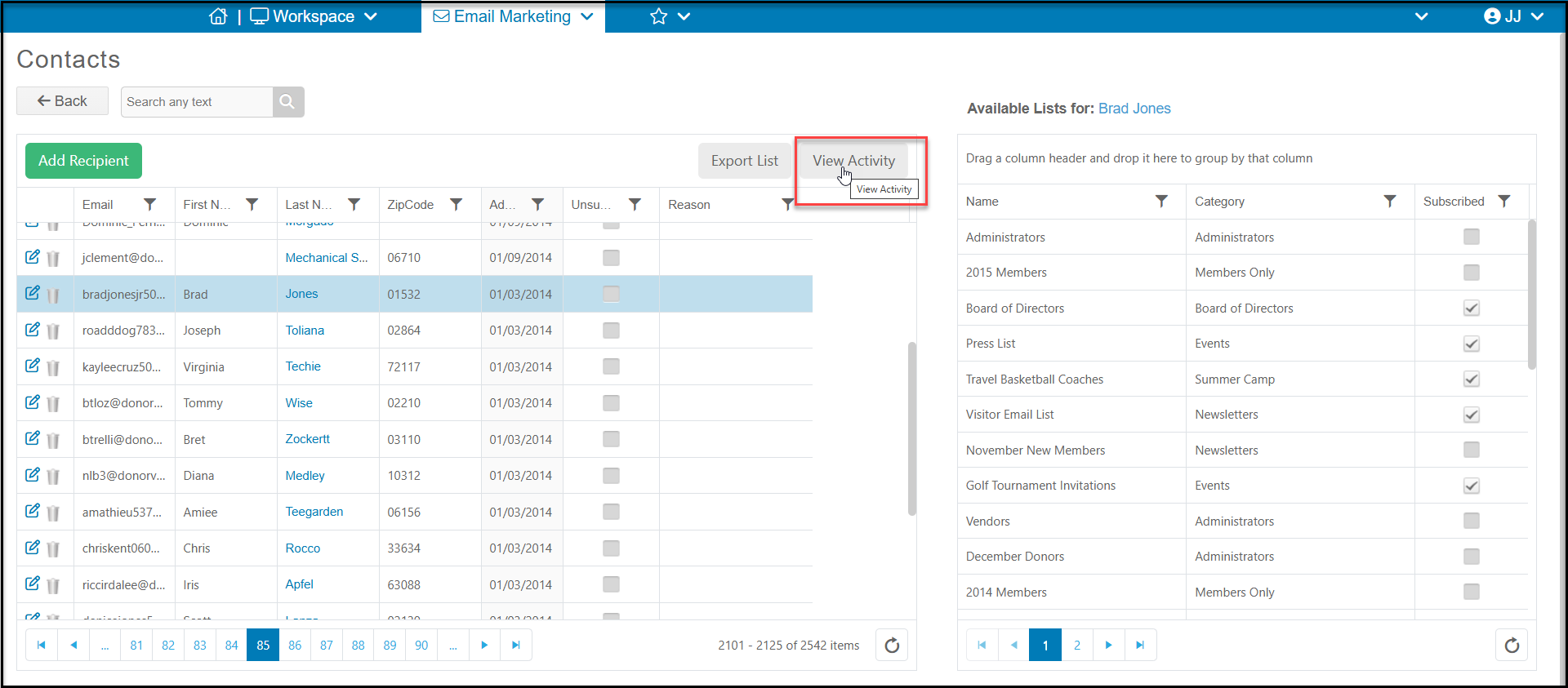
Filter or search for the particular constituent, highlight their row, and click on View Activity to see either the Campaign Activity or Link Activity.
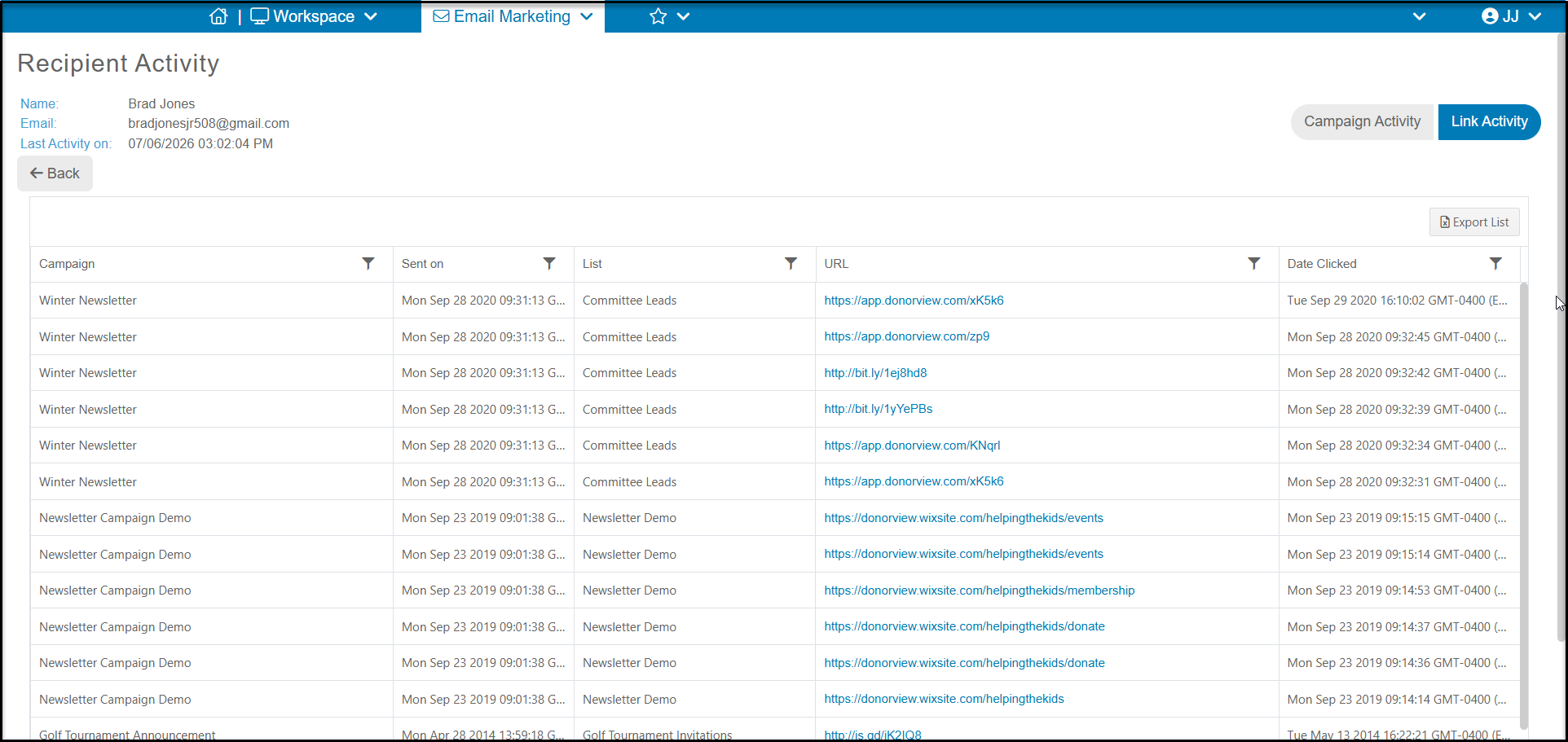
It may take a few moments for the information to load. The default view will be the Campaign Activity. If you wish to see the links the constituent clicked, select Link Activity.
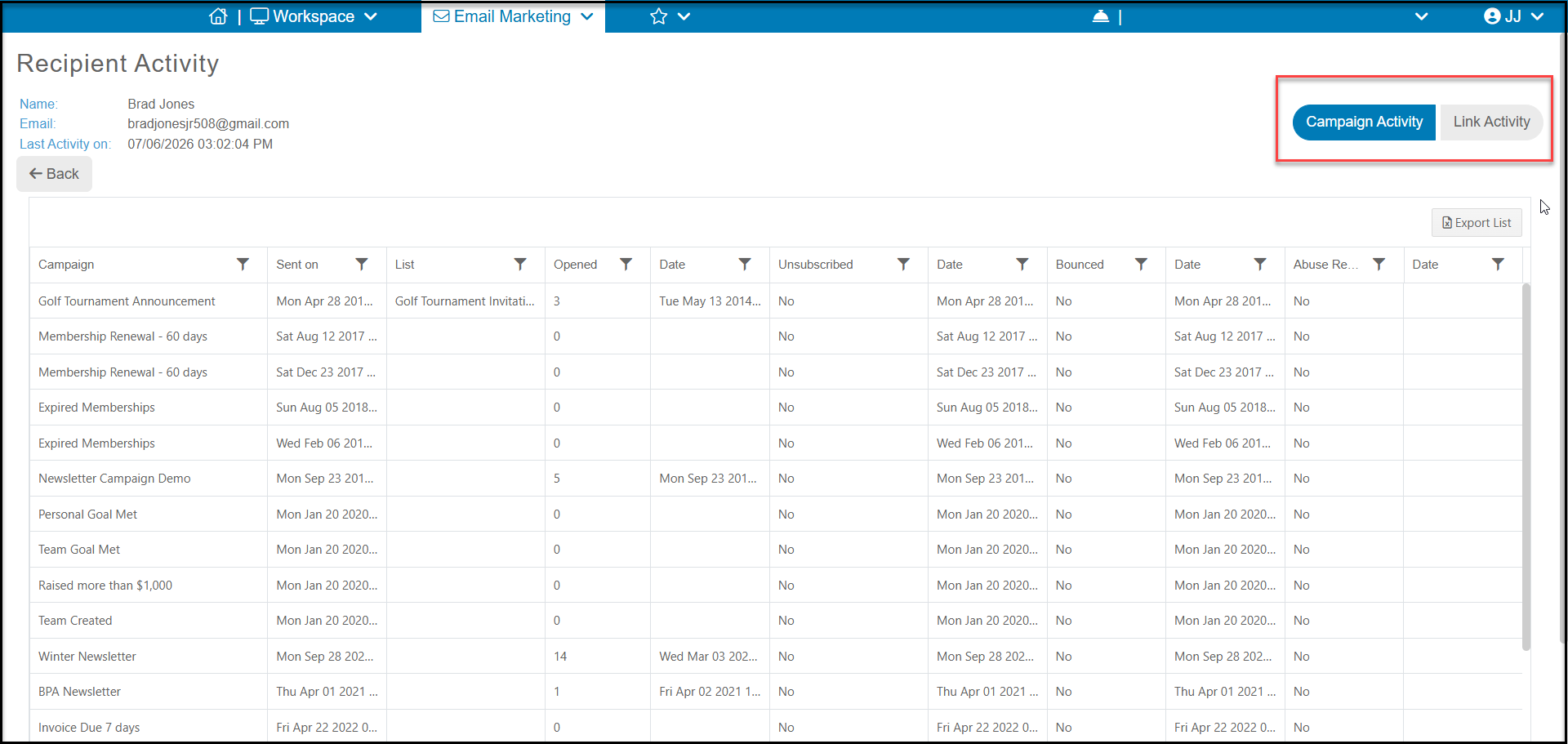
Click Back to return to the All Recipients Contacts grid. Click Back again to return to the Contacts page.