
Text/Push Messaging Queue
Updated Oct 7, 2026·1 min read
For scheduled text messages, you can see their status by going to Workspace, Mail Merge & Texting, then clicking on Text/Push Messaging Queue.
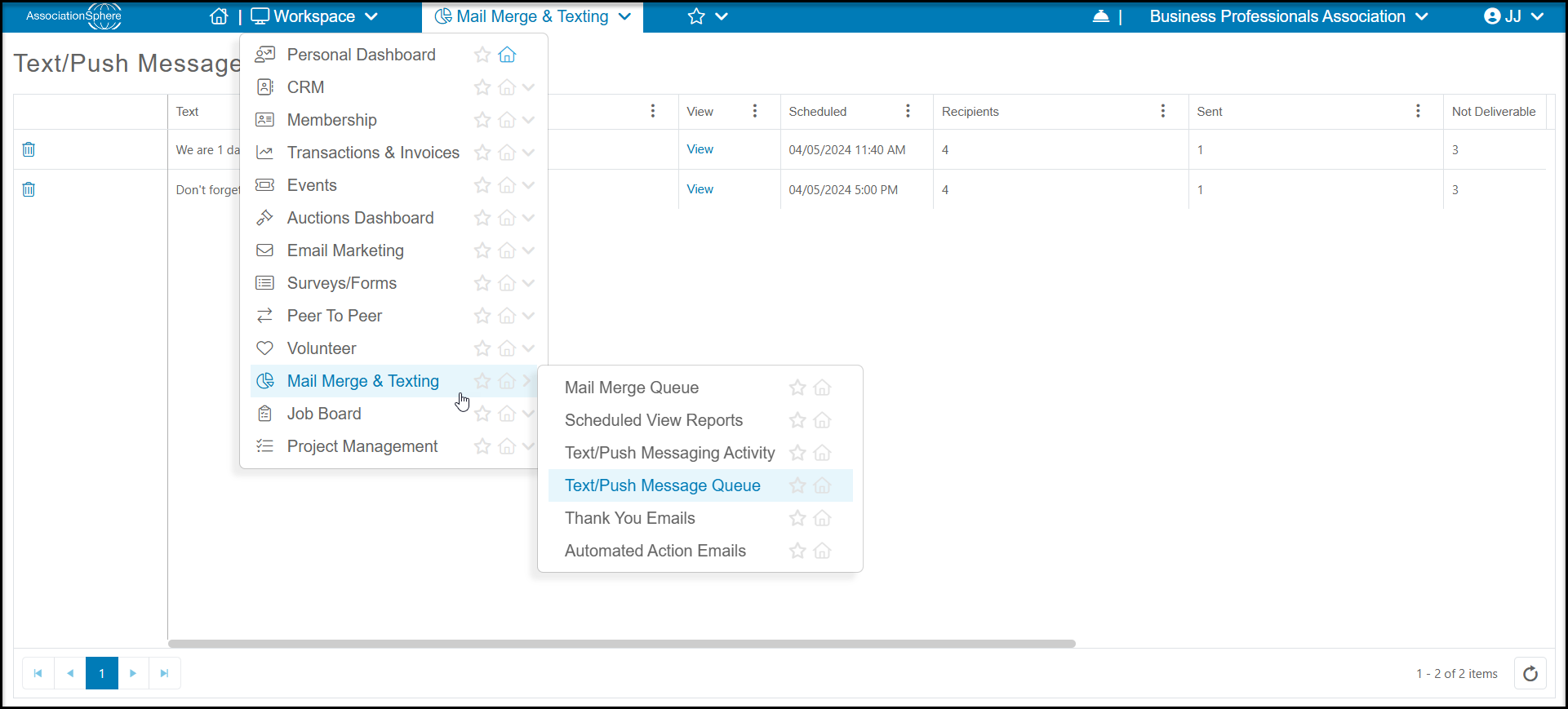
On this grid you can see the Text of the message, Status, when it was/is Scheduled, as well as number of Recipients.
If the message has not been sent yet, you can delete it with the trash can icon on the left side of the grid.
You can click the link under View to see which constituents were included in the message sent.
If any of the messages were not deliverable or you had duplicate text numbers for different constituents, you can see those numbers under Not Deliverable and Duplicate.

Was this article helpful?