
Where is the URL for the Participant and Team Fundraising Pages?
Updated Jun 15, 2026·1 min read
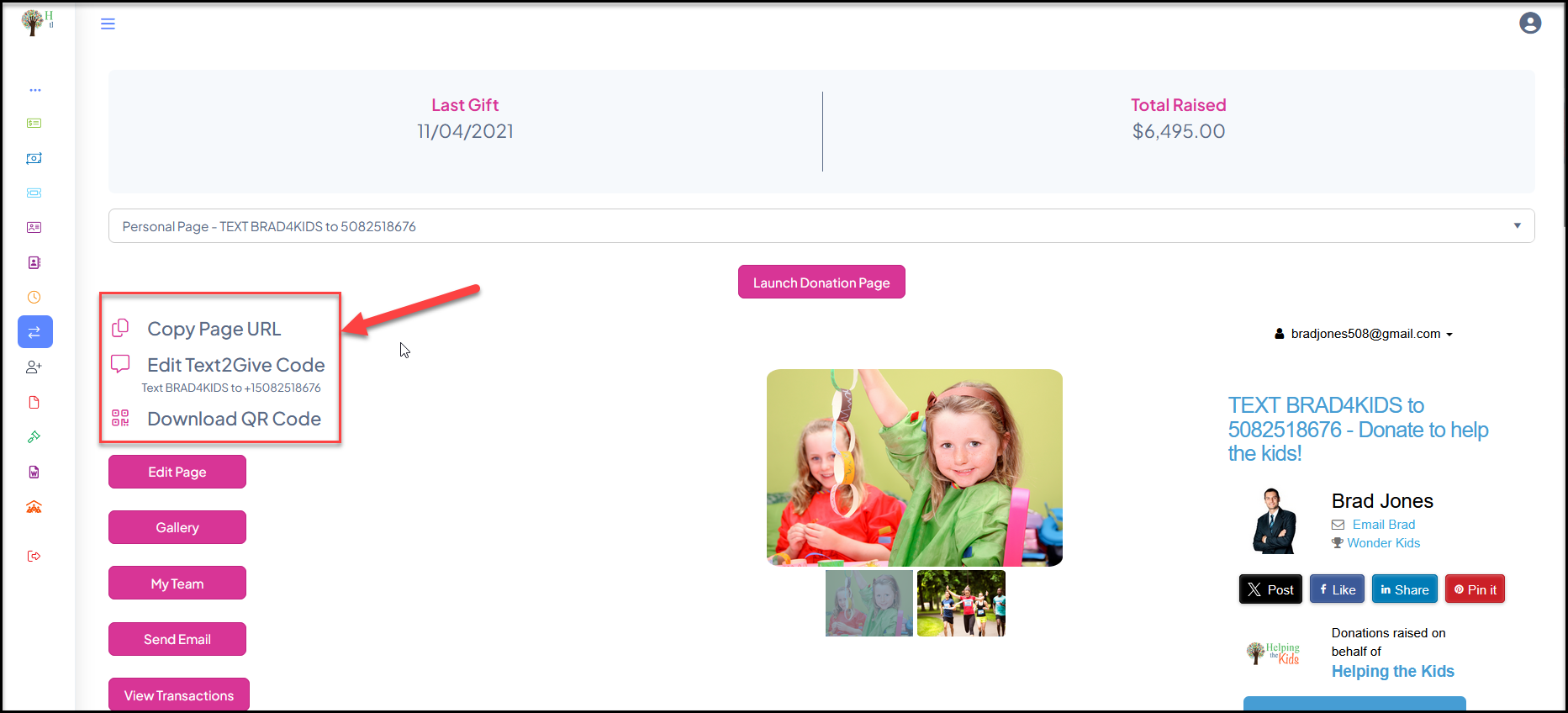
The participant will log into their portal account and go to the P2P Campaign module. The participant can copy their personal fundraising page URL, Text2Give Code, and QR Code via the links provided once they have selected their page. If the participant is also a team leader, they can go to the team's page and copy the information for the team page links.
Was this article helpful?