
How do I change the document that I’ve selected for an event page?
Updated Sep 21, 2026·1 min read
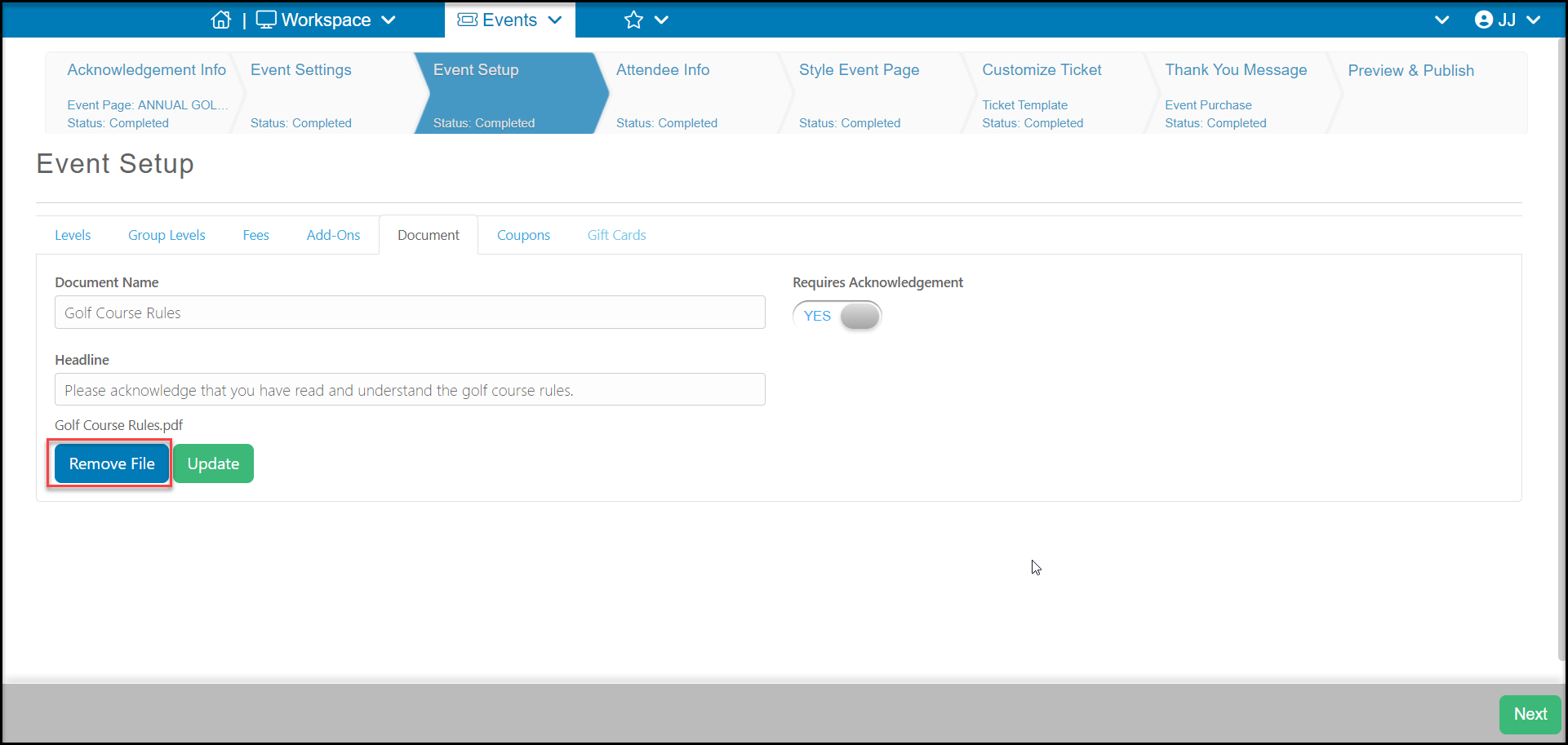
On the document tab you can delete the existing document by clicking the Remove File button. Then you are able upload the new document you wish to be attached to the form. You can follow the instructions in this articlefor adding a new document.
Was this article helpful?