
How do I change the thank you message?
Updated Oct 7, 2026·1 min read
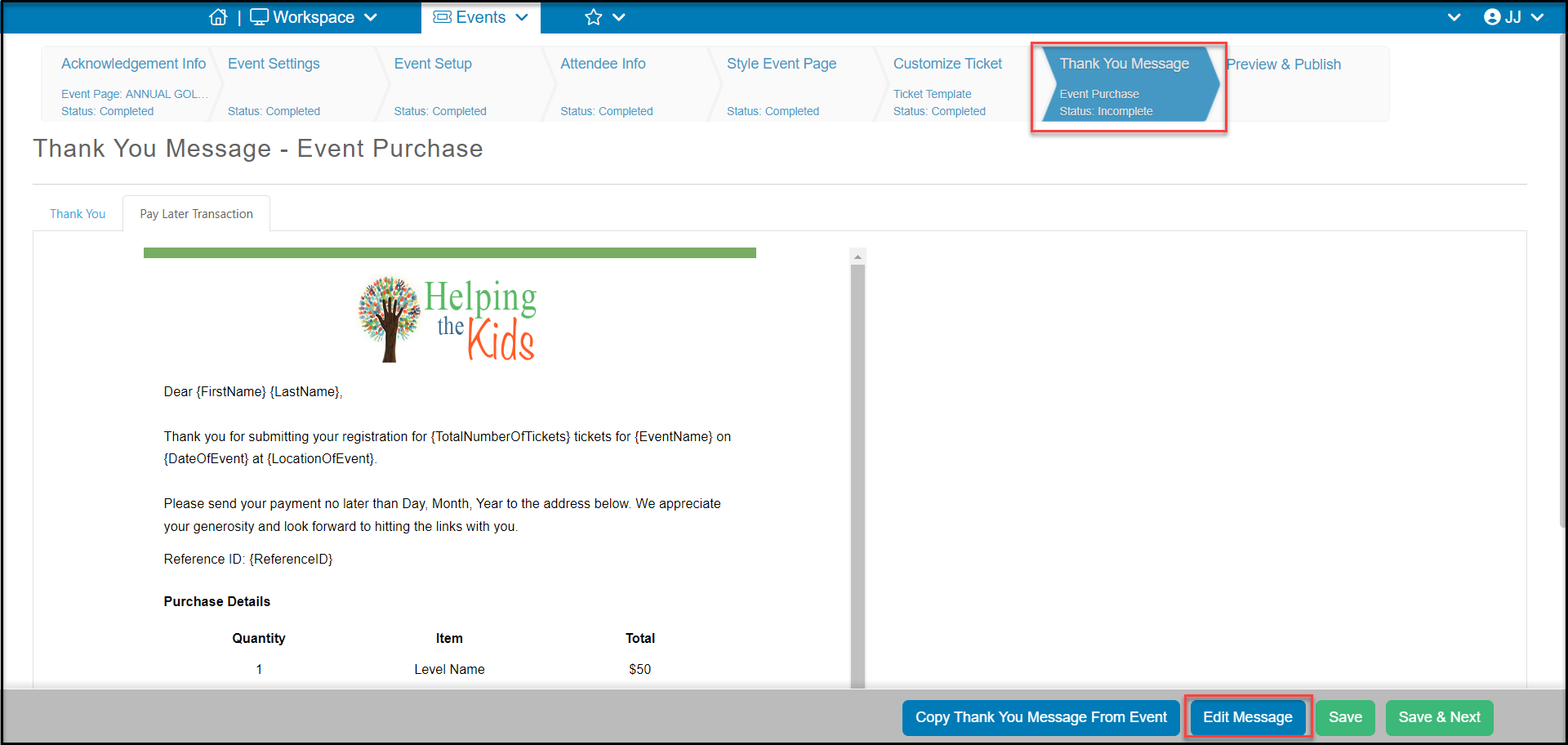
On the Thank You Message tab click on the Edit Message button on the bottom right. This will open up the message in the template editor and you can make your changes and save them there. For more information about using the template editor, see the video AS Email Editor - https://vimeo.com/532391003/77e133199d.
Was this article helpful?