
How do I edit an existing event?
Updated Jul 27, 2024·1 min read
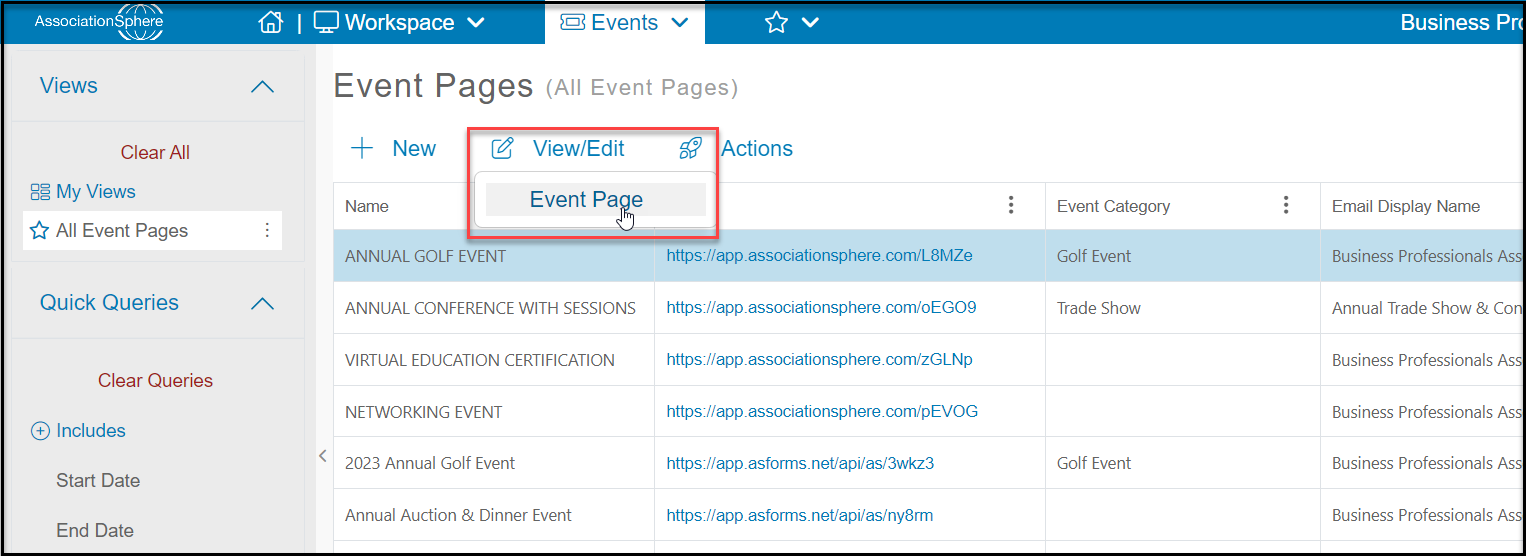
From Workspace>Events>Event Pages, click on the row of the event you want to update to highlight that row, then click on View/Edit to open the page editor.
Was this article helpful?
From Workspace>Events>Event Pages, click on the row of the event you want to update to highlight that row, then click on View/Edit to open the page editor.