
Can I export the Email Delivery results of my campaign?
Updated Jul 9, 2026·1 min read
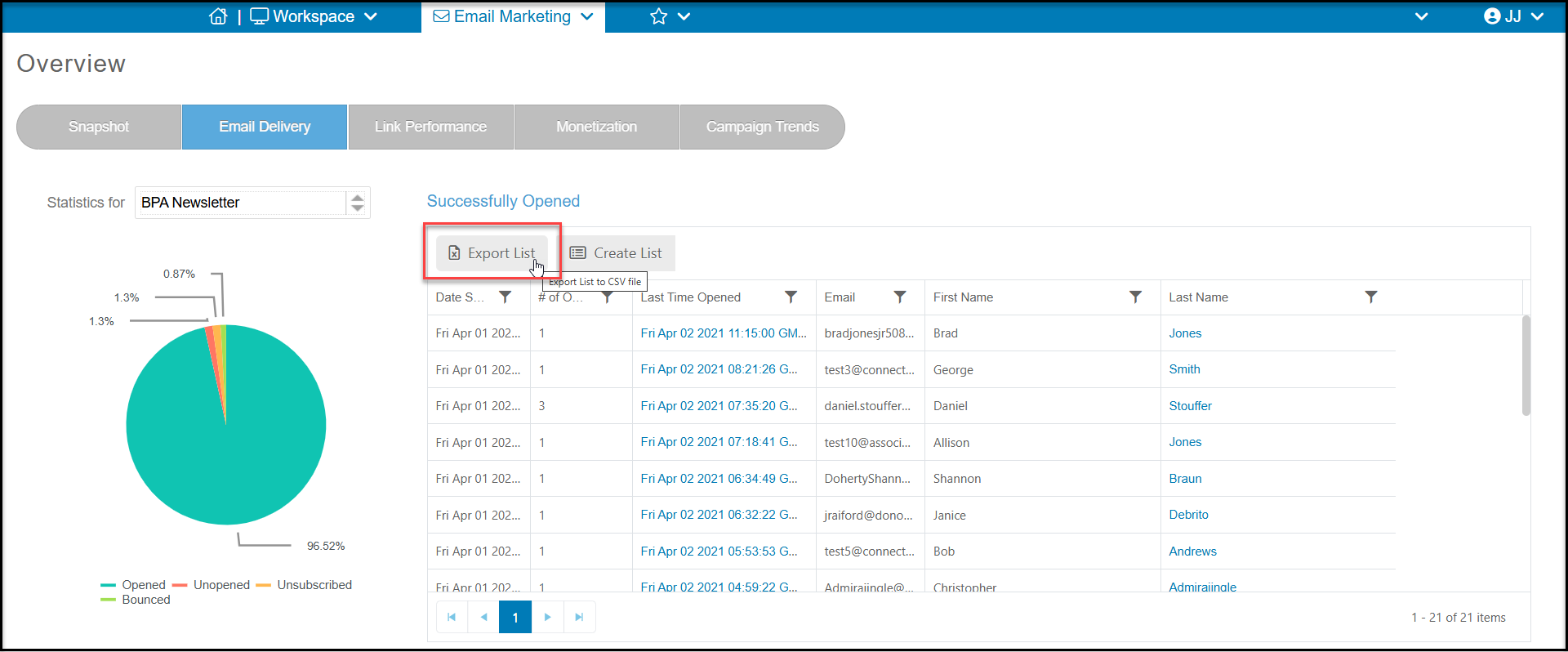
Yes, you can export the details of Opened, Unopened, Unsubscribed and Bounced emails from the Email Delivery tab of the Overview page. When you are on the Email Delivery tab, click the grey button just above the grid to the right that says “Export to CSV.” Your file will then be exported to a CSV file that you can download.
Was this article helpful?