
CRM Dashboard Category Filter
Updated Oct 6, 2026·1 min read
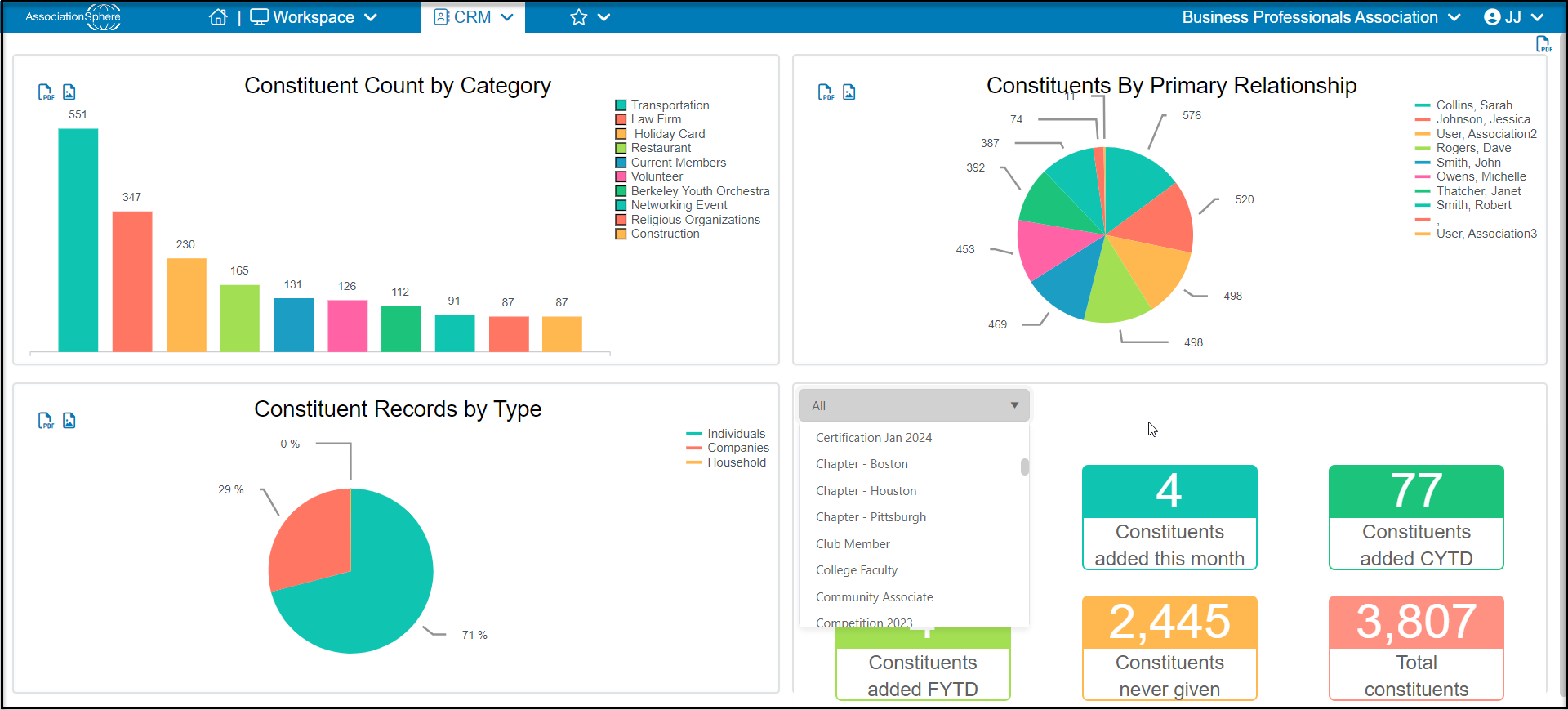
On the CRM and Personal Dashboard, the “CRM – Statistics” graphic can be filtered based on a Constituent Category. Clicking on the dropdown field in the upper left corner of the graphic will allow you to select from any active Constituent Categories. Once a Category is selected, the graphic will update and display the details on the Constituents who are subscribed to the selected category. Those details are as follows:
Constituents added this week
Constituents added this month
Constituents added CYTD (Calendar Year to Date)
Constituents added FYTD (Fiscal Year to Date)
Constituents never given
Total constituents
Was this article helpful?