How do I remove duplicate addresses from a mailing list?
How to export your list to Excel and use the Remove Duplicates feature.
To prevent duplicate addresses and constituents, be sure to review these articles for recommendations for managing your data:
Duplicate Record Search Criteria, Prevention & Identification
How to manage individual spouses
How do I look up duplicate constituents?
Merging Duplicate Constituent Records
Managing your duplicates, using households, and assigning mailing list statuses for family members will reduce duplicate addresses when creating mailing lists. If you notice there are duplicate addresses in your mailing list, you can export your data to Excel and remove the duplicates in the exported document.
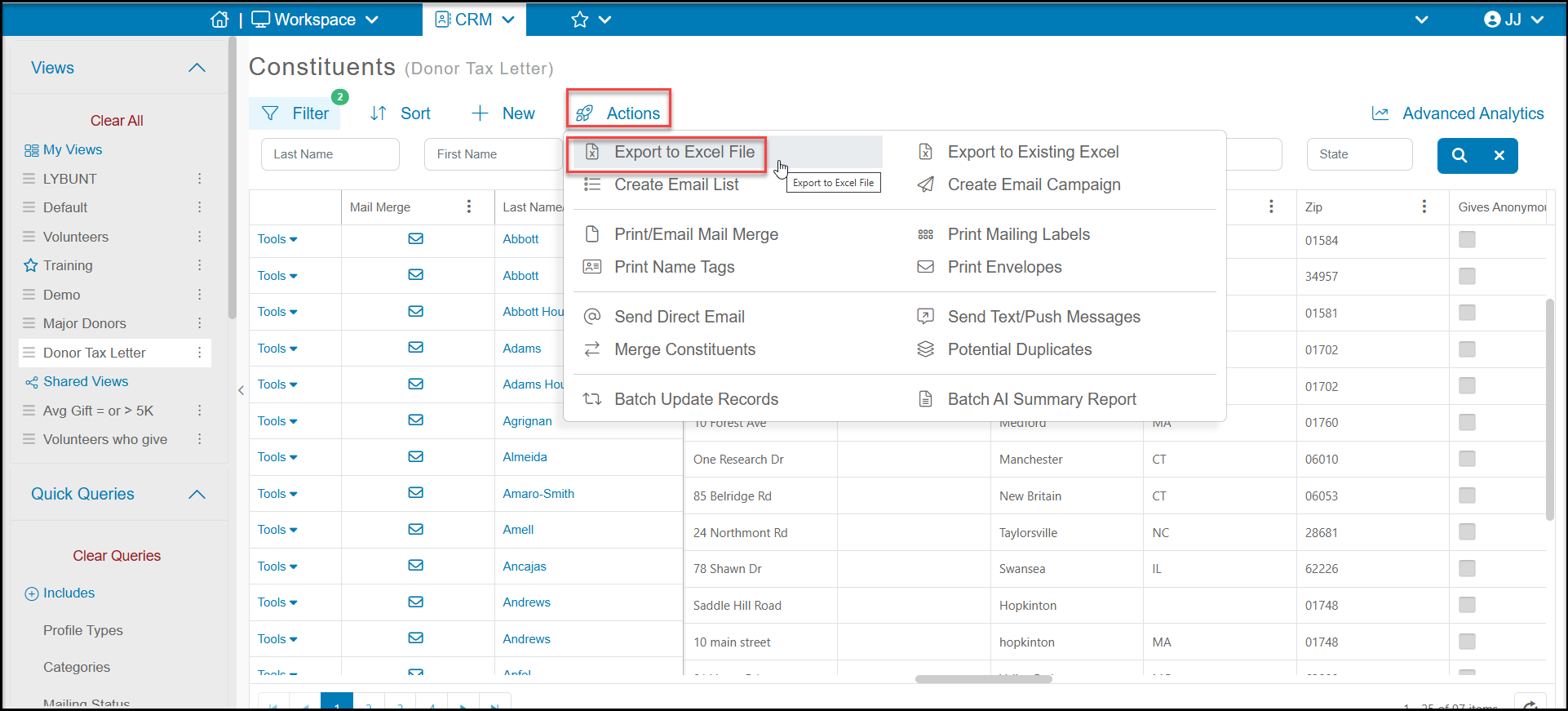
Begin by setting up your queries, filters, and sorts to create your desired mailing list. You can customize what columns are included in your list using the View Builder. Once you have your list created, you can use the Actions menu and select Export to Excel File.
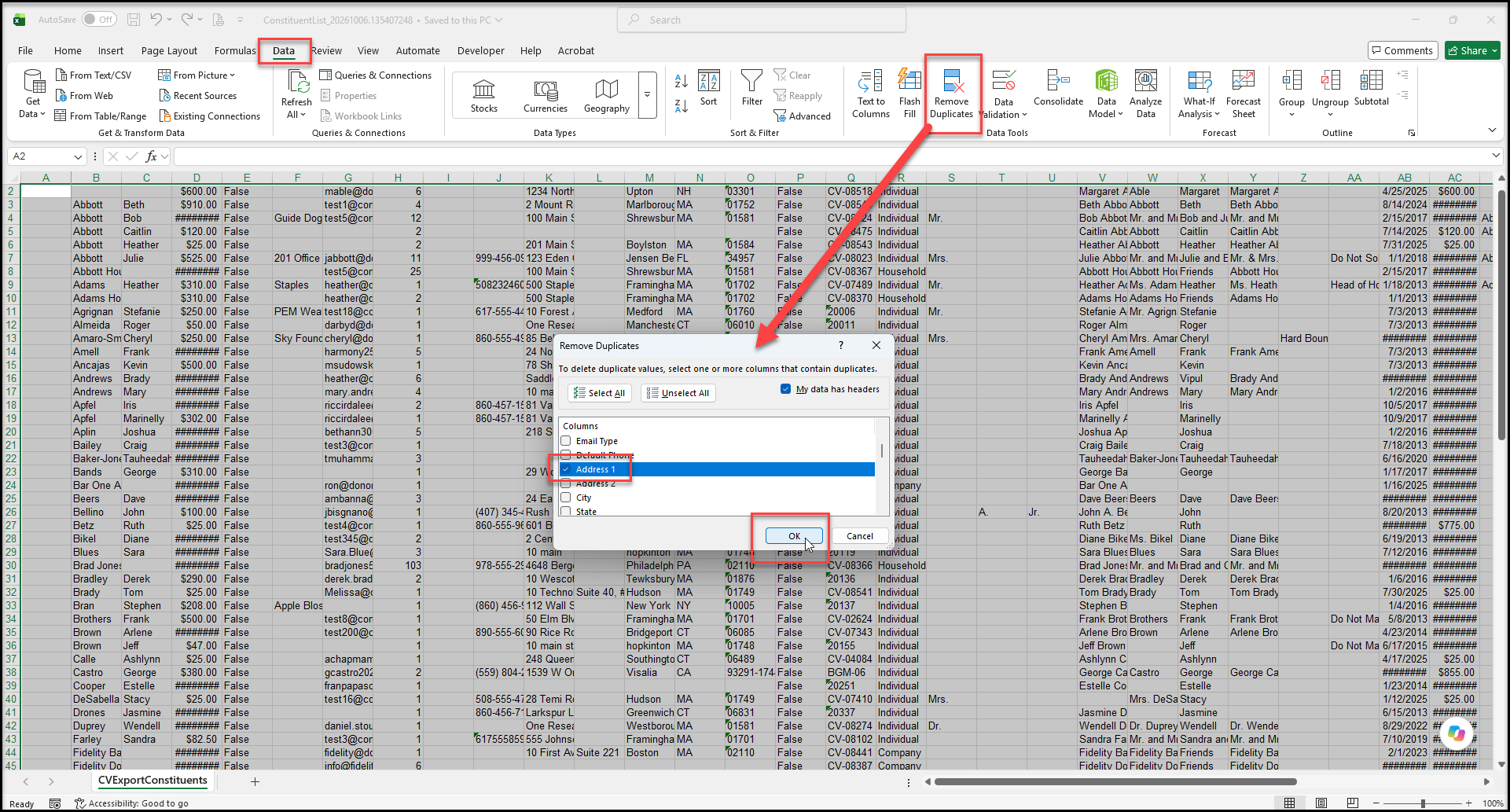
Open your file in Excel. Find the Data tab and select Remove Duplicates. In the dialog box, you can click on Unselect All and then just check the Address 1 box and click OK.
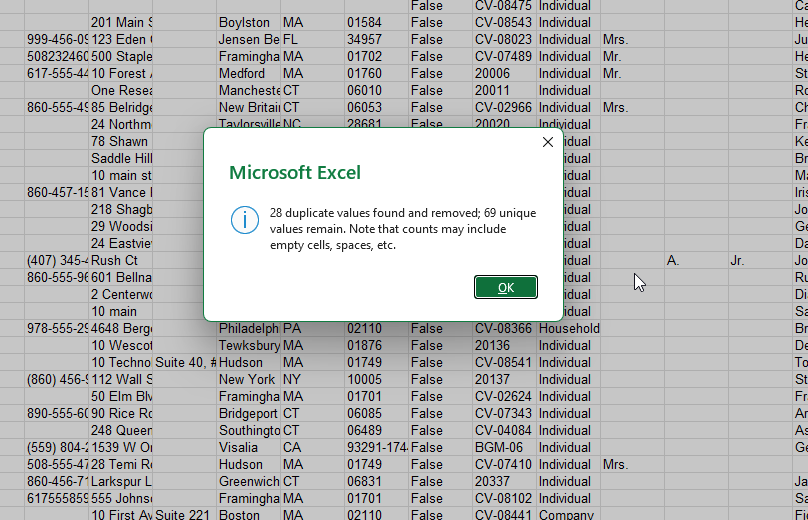
Excel will automatically remove the rows that contain duplicate values and provide a pop up with the number removed and remaining on your list.