
How do I update the floating image?
Updated Oct 7, 2026·1 min read
When you add a floating image with text block or content, you will need to double click on that column to activate the menu.
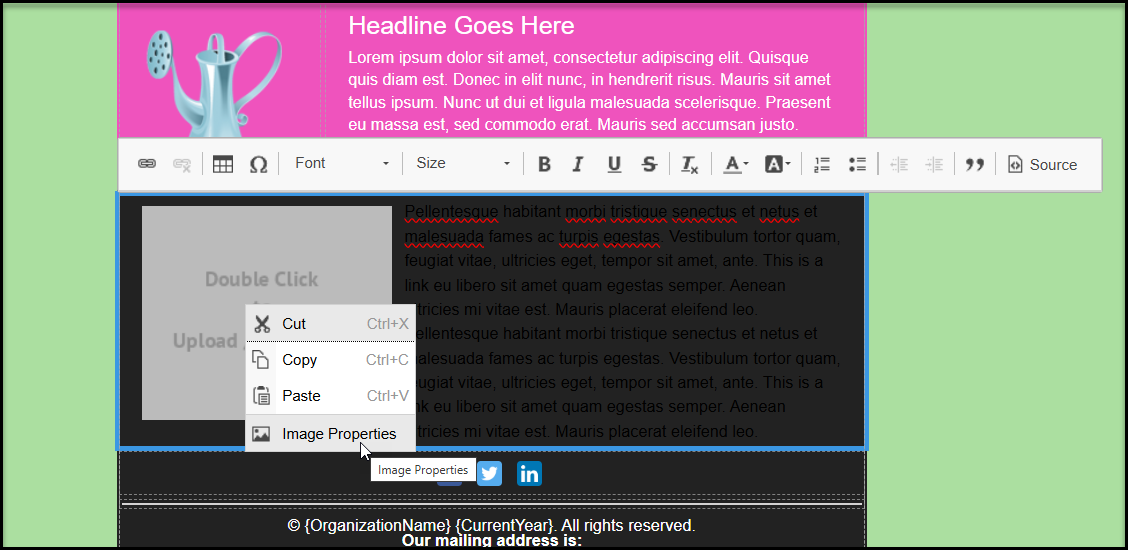
Once your double click on the column, you will see a new menu bar either above or below the content. Right click on the image to reveal a popup window and click on Image Properties. This will open the media library and allow you to select the image to insert.
Was this article helpful?