
Can I delete an email template?
Updated Jul 8, 2026·1 min read
You can delete any of your templates unless the template has been previously used in a campaign, is attached to a campaign In Progress, was cloned, or used for an auto-reminder.
You cannot delete any of the predesigned templates.
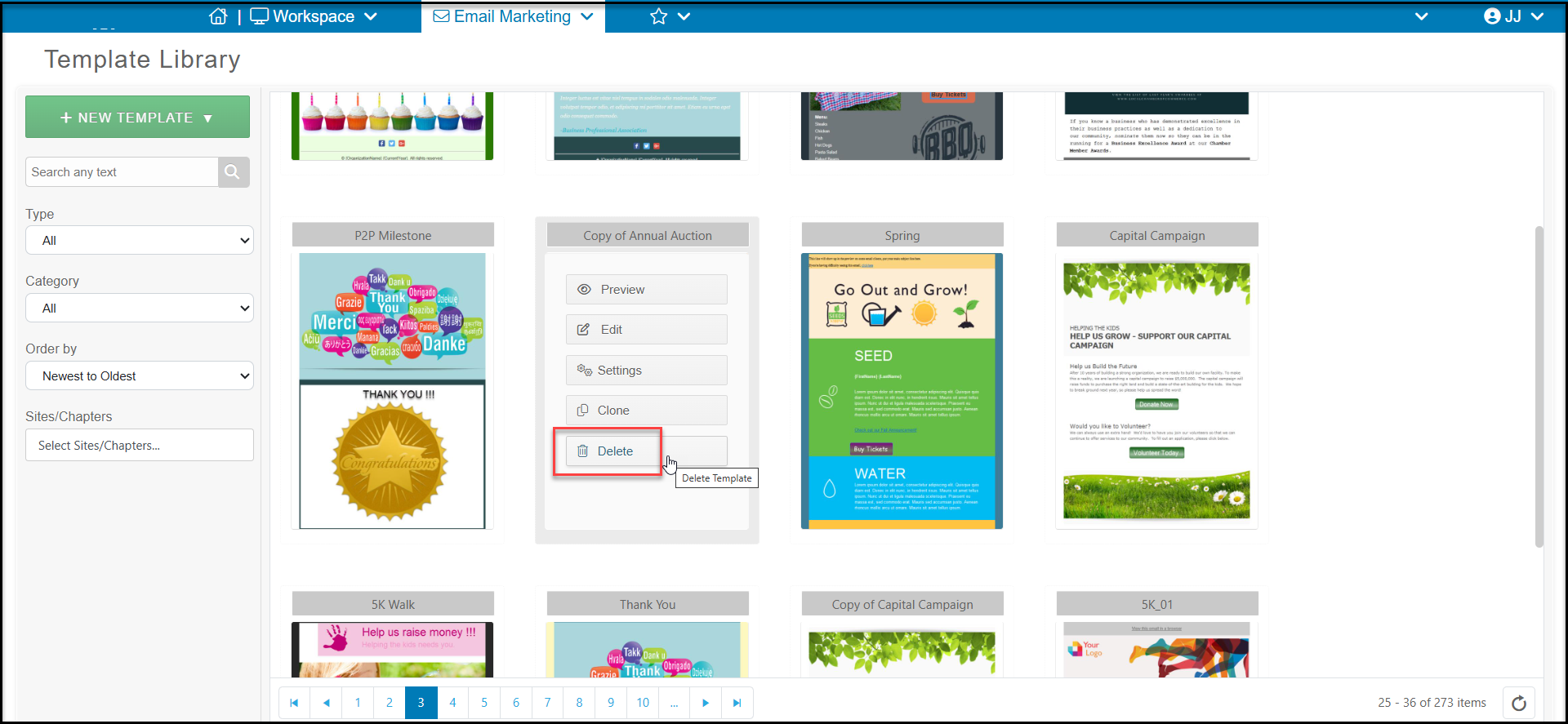
To delete a template, put your mouse over the desired template from the template library then click Delete. You will be presented with a confirmation message. Select Deleteto permanently delete the template.
Was this article helpful?