
Help center/Surveys/Forms Module/Surveys/Forms List Page - Creating Surveys, Applications, Polls and Forms
How do I know when someone takes the survey?
Updated Sep 23, 2026·1 min read
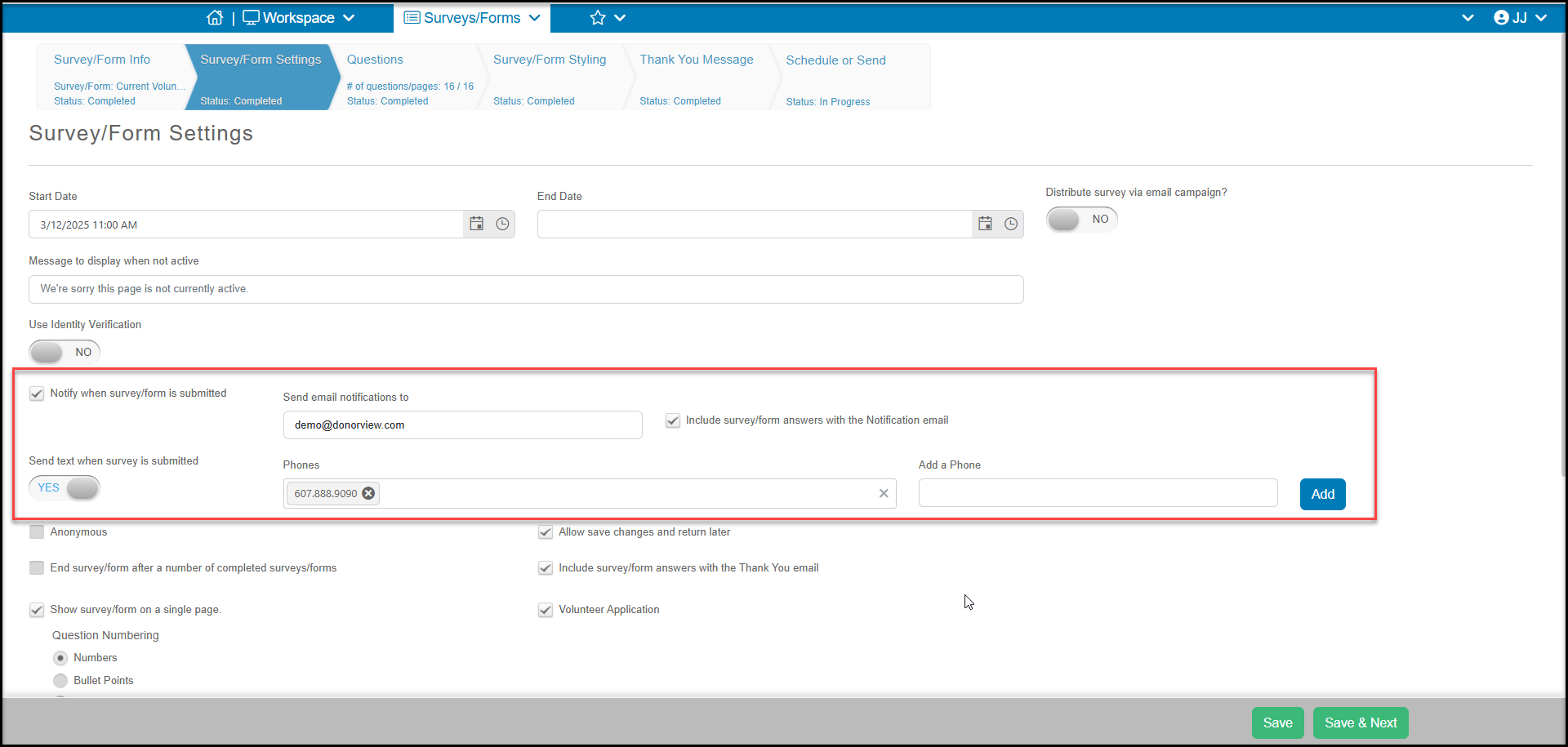
On the Survey Settings step in the Survey Wizard, there is an option called Notify when survey/form is submitted. Once you check this box, you can enter up to five different email addresses, separated by semicolons. Each of these email addresses will receive a notification when a recipient submits a survey.
If you have text messaging turned on, you can also receive notification via text by marking the Send text when survey is submitted to "YES."
You will also be able to see every response submitted on the Survey/Forms Results grid.
Was this article helpful?