
Help center/Surveys/Forms Module/Surveys/Forms List Page - Creating Surveys, Applications, Polls and Forms
I have scheduled a survey to be emailed – can I unscheduled it or change the date?
Updated Jun 22, 2026·1 min read
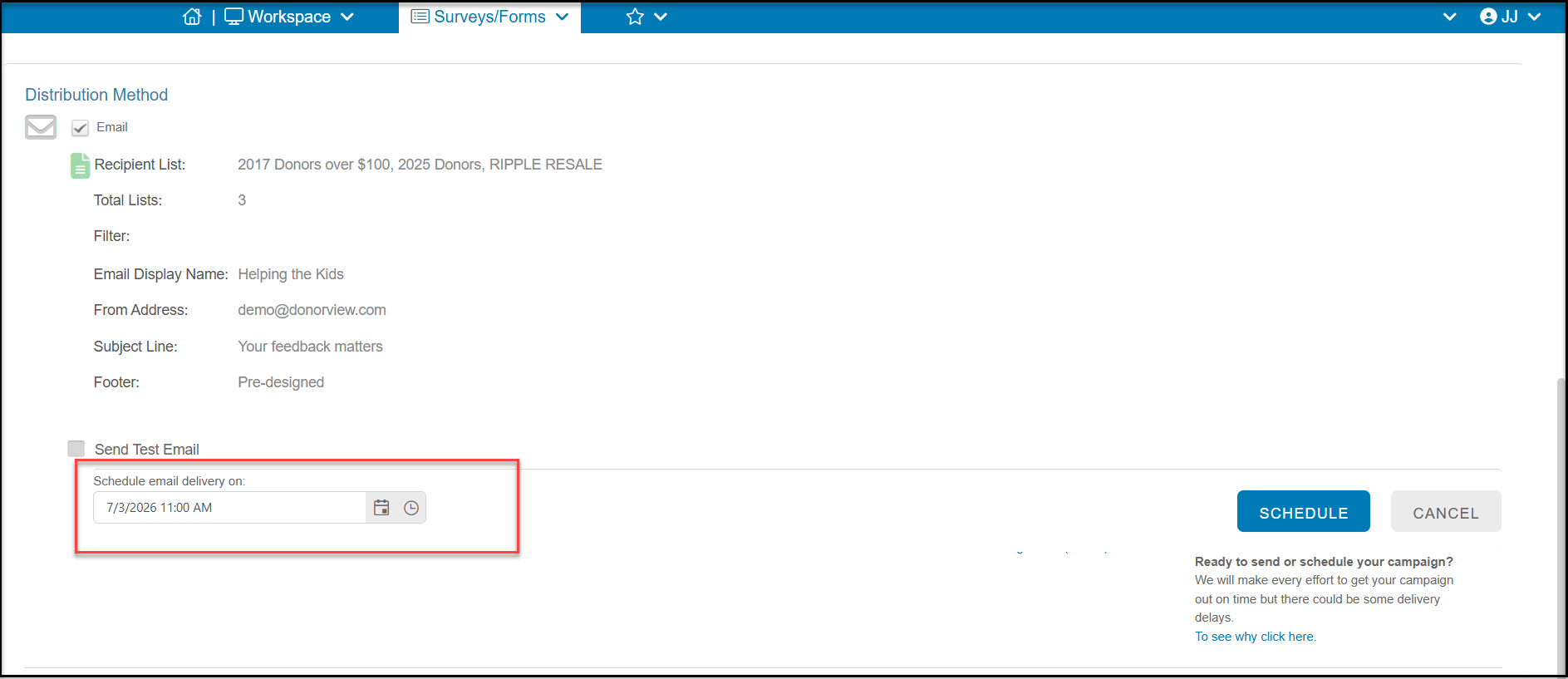
If you have a scheduled survey that you need to change, select the survey from the Survey List screen. On the Schedule or Send step of the Survey Wizard, select the Cancel Schedule button. The survey will no longer be scheduled and you can either send it immediately or set up a new scheduled date and time.
Was this article helpful?