
Help center/Surveys/Forms Module/Surveys/Forms List Page - Creating Surveys, Applications, Polls and Forms
Why don't I see the Welcome Message tab?
Updated Oct 7, 2026·1 min read
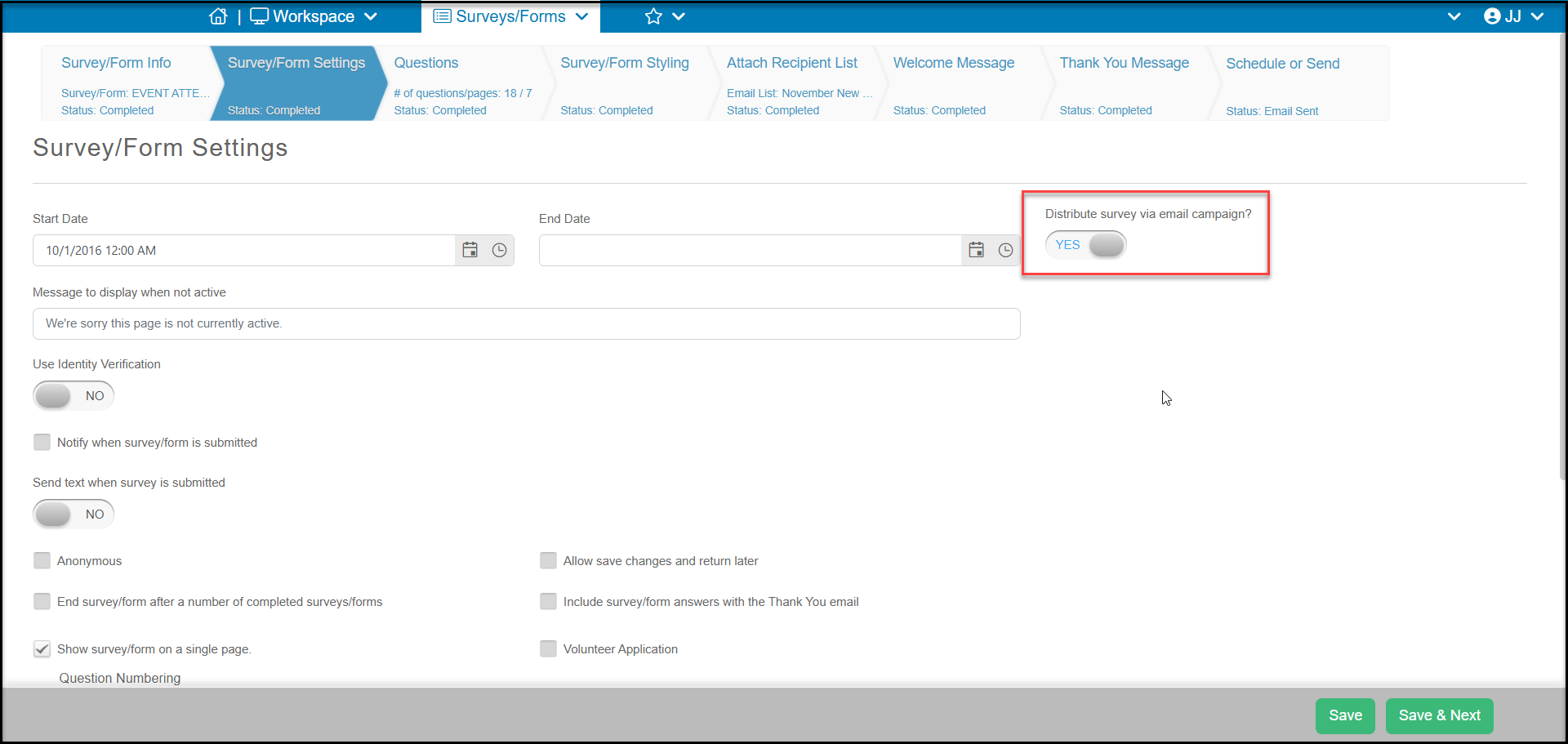
The welcome message tab is only visible when the Distribute via email campaign toggle is set to YES on the Survey/Form Settings tab. You will need to click Save or Save & Next to refresh the page to show that tab. The Welcome Message is the email that the email recipient receives and includes a button link to complete the survey or poll.
Was this article helpful?